Reimagining Mobile Education Through an Immersive Web Experience
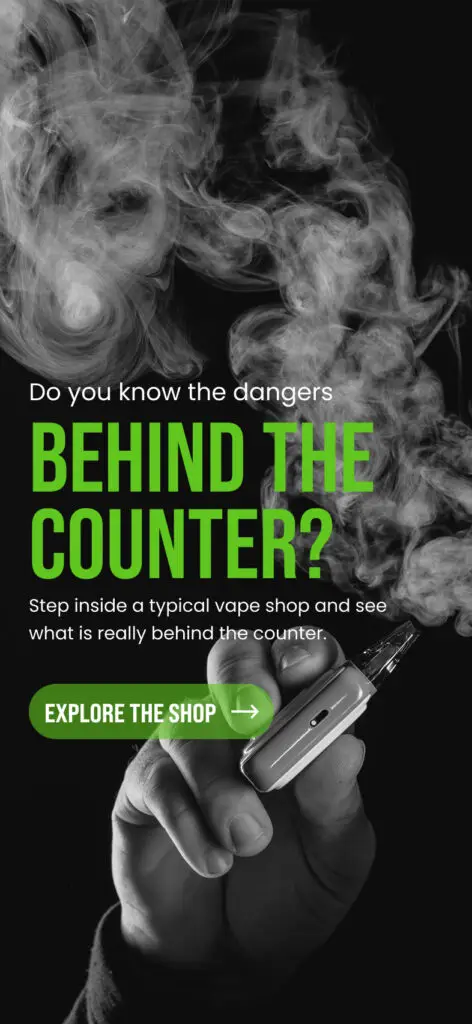
Behind the Counter?
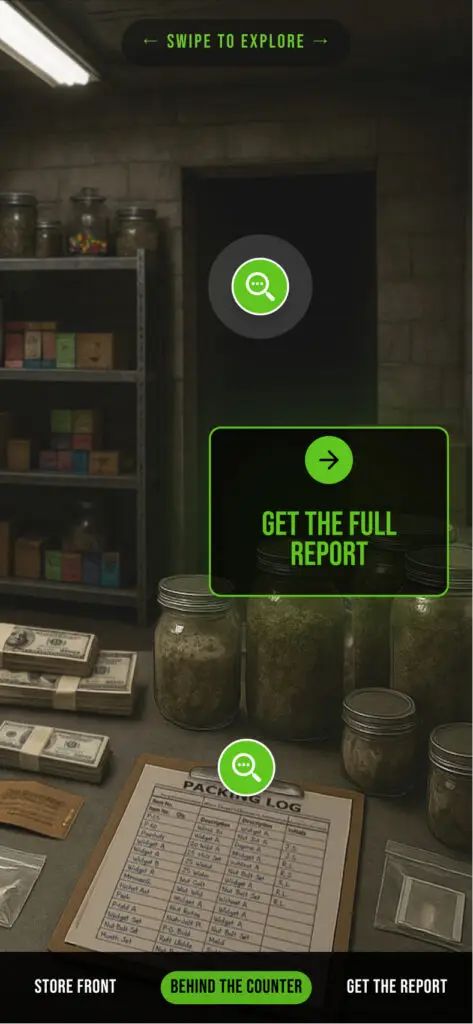
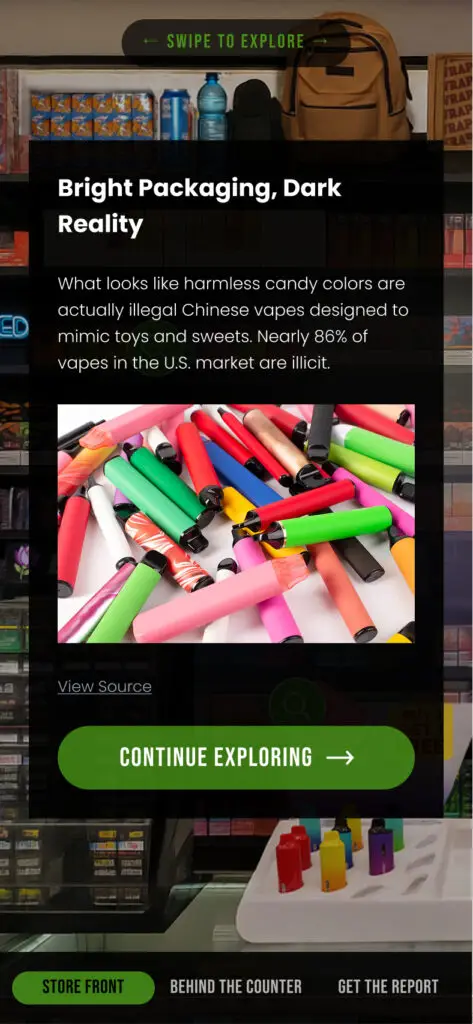
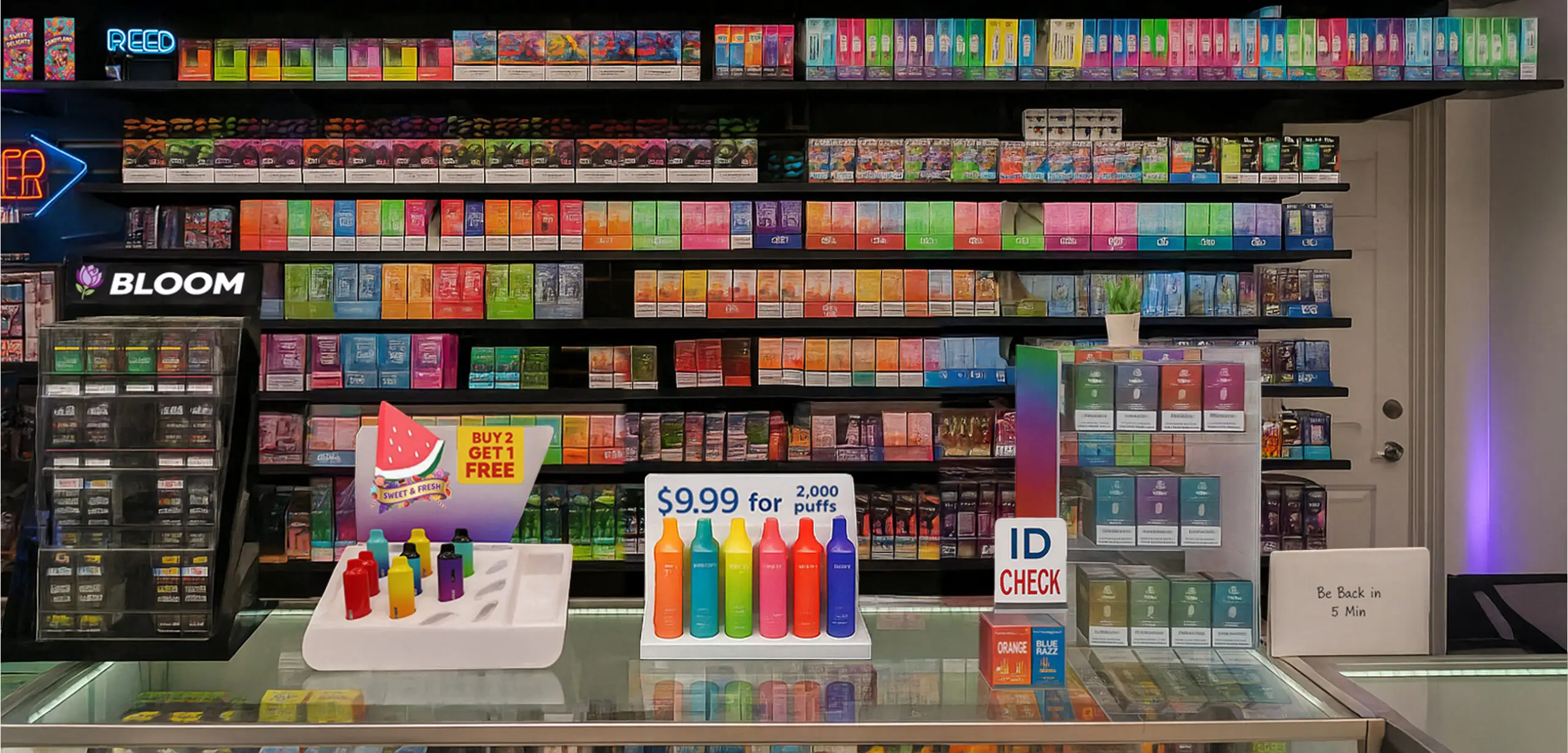
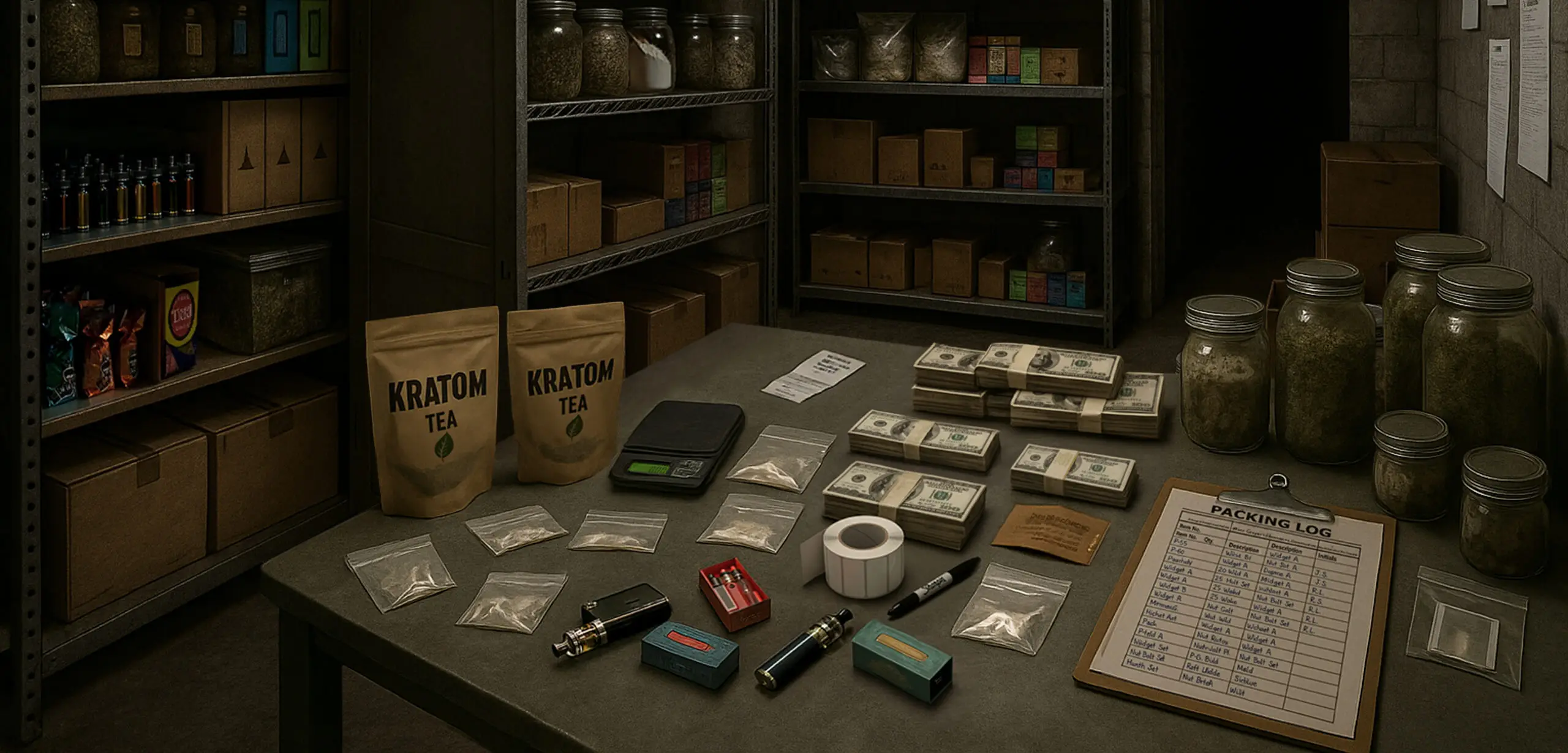
Haneke Design partnered with a national public safety organization to create a mobile-first immersive web experience for law enforcement education. Designed for convention attendees and kiosk deployment, the React-based application contrasted the bright façade of illicit vape shops with the criminal activity often uncovered behind the counter.
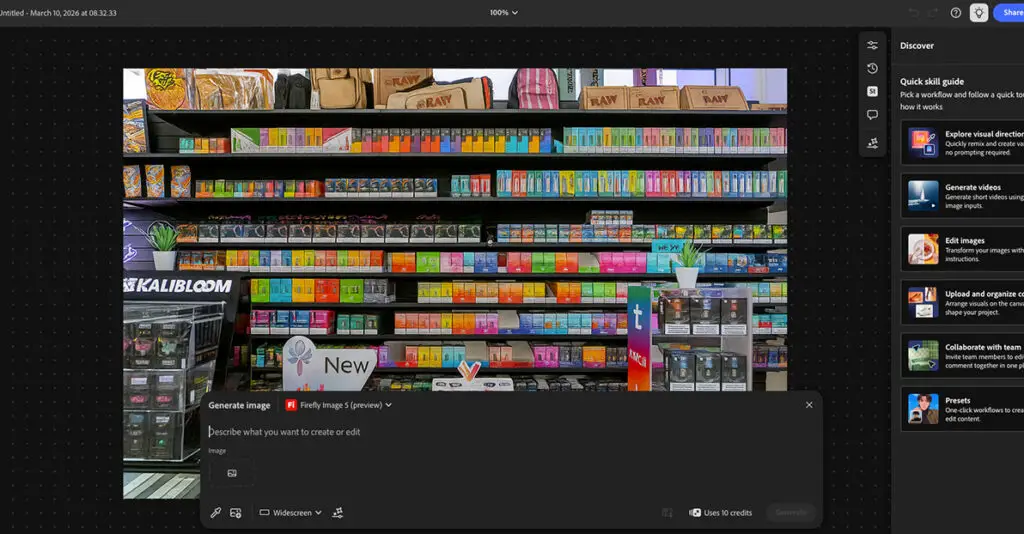
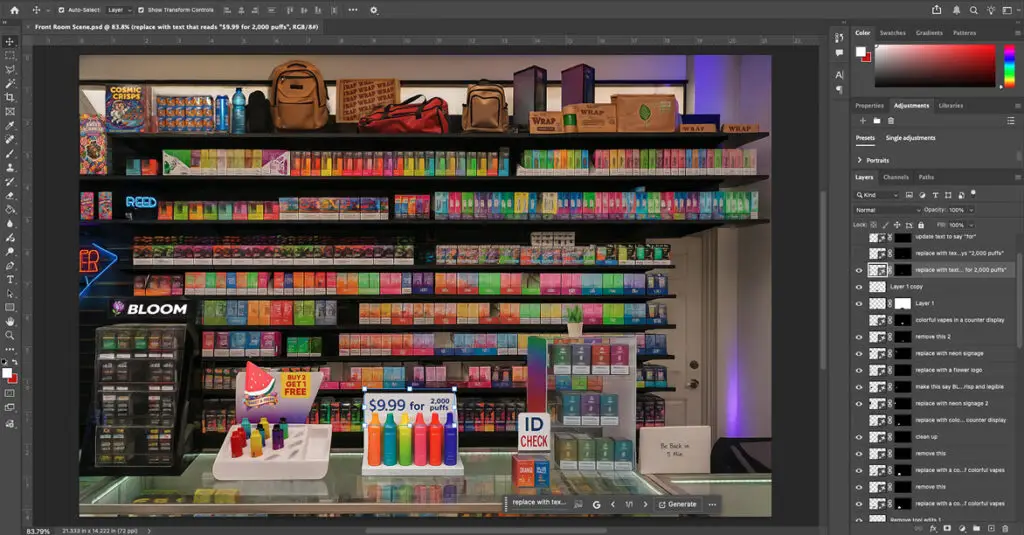
The platform uses a custom React-based CMS with a Supabase backend to enable real-time content updates and dynamic hotspot management. Design assets were created using ChatGPT DALL·E, Firefly, Adobe Photoshop (Nano Banana), and Figma with Figma Make (Claude). The interactive 3D experience was developed with Claude Sonnet 4.0, Three.js, and WebGL.
Our client came to us with a clear goal: build a mobile experience for law enforcement convention attendees that reveals the hidden risks in vape and smoke shops. It needed to work on people’s phones through a QR scan and run smoothly on event kiosks, too.
Most importantly, it had to show a real contrast: what looks fine up front vs. what investigators sometimes find hidden in the back.
A static PDF just wouldn’t cut it.
Constraints
Loads instantly, no hassle
No more than three sentences per insight
Clear source attribution under every claim
Big, easy-to-tap buttons
Mobile-first performance
The Concept
“Behind the Counter” The experience unfolds in two acts.
Scene One
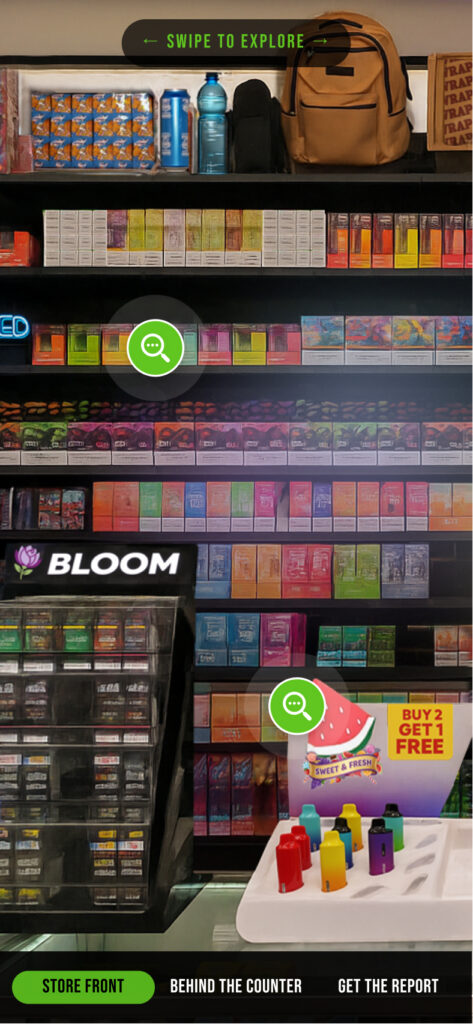
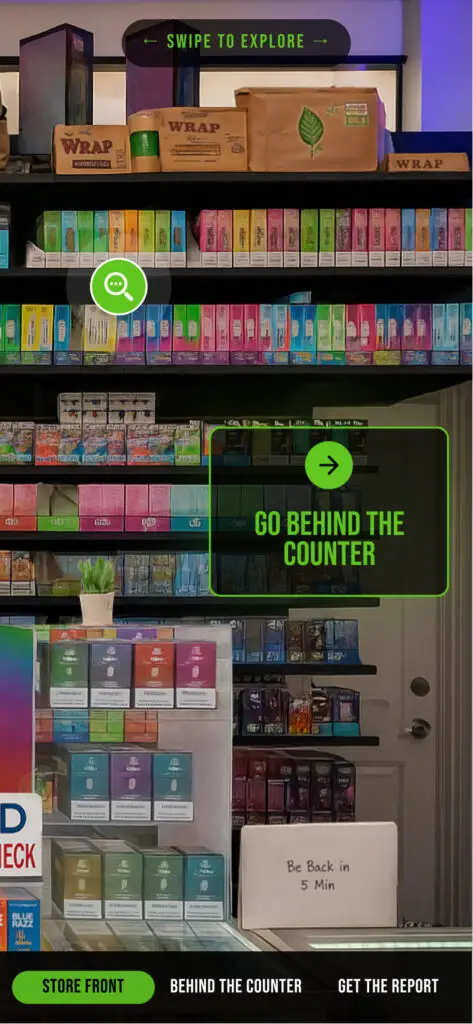
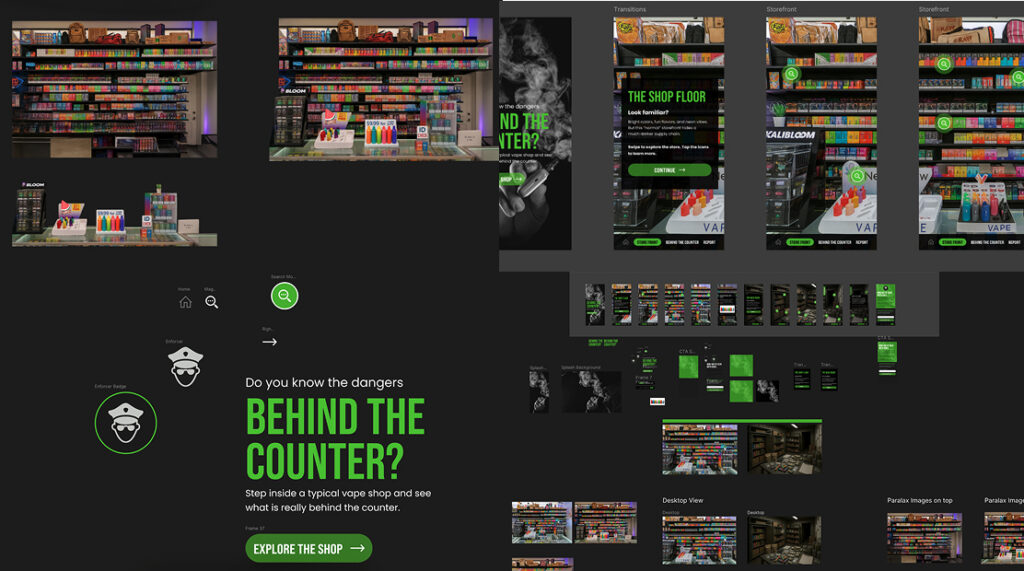
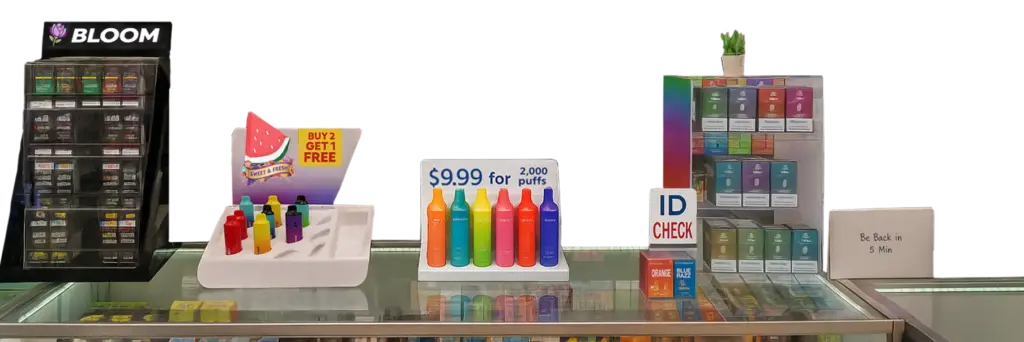
A brightly lit vape shop interior. Candy-colored packaging. Youth-targeted signage. A storefront that feels typical. Six tappable hotspots reveal concise, sourced insights, from unauthorized brands to misleading “FDA Approved” signage to flavors banned domestically in China but exported to the U.S.
Then the invitation appears: Go behind the counter.
Scene Two
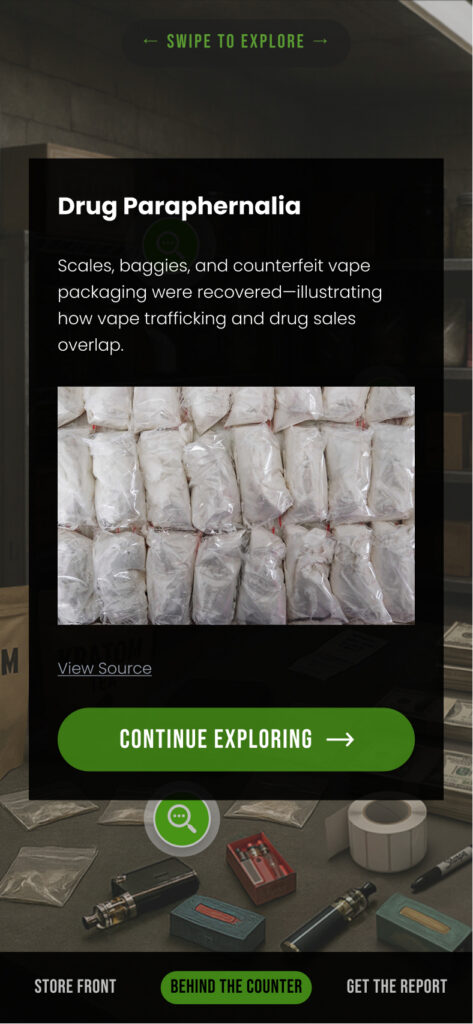
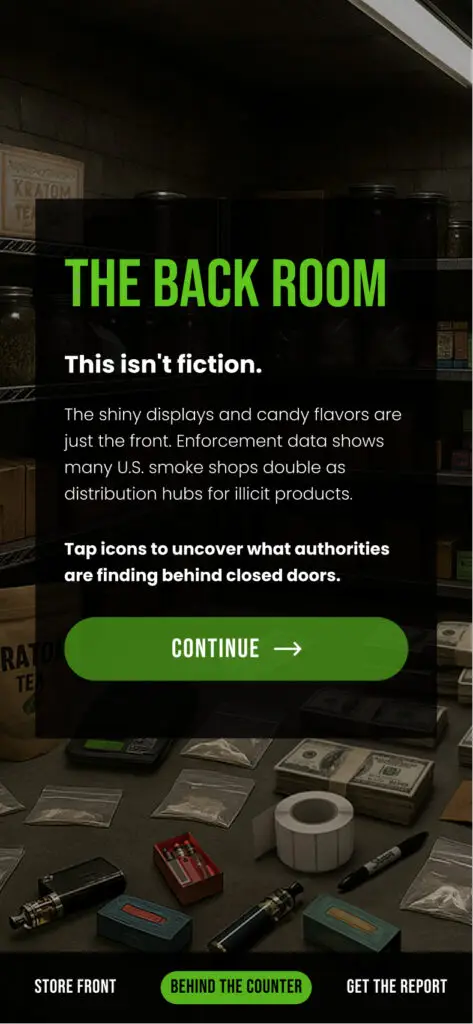
Lighting drops. Colors desaturate. Shelves clutter. Hidden compartments emerge. The narrative references real enforcement actions, including DEA-led initiatives such as Operation Vape Trail. Ten hotspots expose the deeper network: concealed inventory, paraphernalia, cash, cartel distribution pipelines, and enforcement action.
The shift isn’t just informational. It’s tonal. Perception gives way to investigation.
Choosing the Right Platform
Why This Became a React Application
Website builder tools fell short in three critical areas
Animation control
Scene layering and depth
Kiosk reliability at scale
We picked React so we could build this like an app, not just a website.
Building in React gave us fine-tuned control over
Component-based hotspot systems
Dynamic state-driven scene transitions
Modular popup architecture
Flexible positioning logic for interactive elements
Conditional behavior for kiosk vs. personal devices
Performance optimization for layered visual assets
This wasn’t just a scrolling story. It was an environment you could actually interact with.
Beyond the Front End
A Custom CMS for Real-Time Updates
Because enforcement data evolves, the client needed the ability to update hotspot content without redeploying code.
We built a secure, client-level CMS panel directly in React.
Administrators can
Edit hotspot copy
Update source links
Adjust hotspot positioning coordinates
Toggle visibility
Manage scene-specific content
On the backend, we implemented Supabase to manage
Authentication and role-based access
Structured hotspot content
Positioning metadata
Source attribution data
This architecture ensures the experience remains current as enforcement briefings evolve, while preserving performance and security. A flexible, modern backend powers the immersive front end.
Building the World
AI-Generated Imagery, Human-Refined Craft
We faced a real visual challenge: how to craft believable environments without imitating actual cases or locations.
AI tools were used for environment creation and scene refinement
ChatGPT Dali for overall scene generation and prompt development, which produced the strongest results for overall environment design
Adobe Firefly for sections in the scene visuals and major section or scene edits
No single tool could do it all
Each image was composited, layered, color-graded, and manually refined in Adobe Photoshop with the Nano Banana model for object generation and detailed scene polish. Scene one pops with neon brightness, while scene two shifts to muted, gritty tones—a palette change that became part of the story itself.
Creating Depth in the Browser
CSS, WebGL, and Subtle Cinematics
Flat imagery would have reduced impact. We needed dimensionality without sacrificing mobile performance.
Where appropriate, WebGL and Three.js were integrated to enhance dimensional realism while maintaining load performance. The end result feels cinematic even though it all happens right in the browser.
Creating Depth & Atmosphere
Layered parallax effects
CSS blend modes and masking
Environmental light gradients
Shadow overlays for atmospheric depth
Smooth animated scene transitions
AI-Assisted Production
Accelerating Experimentation Without Sacrificing Craft
This project doubled as a forward-looking production experiment.
Design Phase
Core UI and workflows developed in Figma
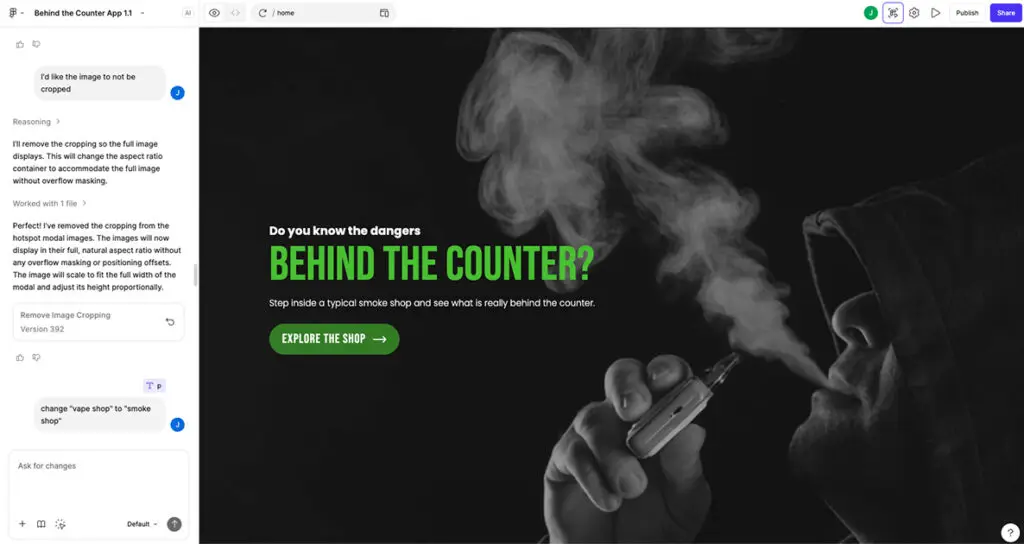
Rapid functional prototypes explored using Figma Make
Interaction patterns validated before development
Development Phase
React implementation accelerated with Claude Sonnet 4.0
AI didn’t replace our expertise. It compressed iteration.
Designers moved fluidly between visual concept and functional prototype. Developers could test animation ideas in minutes instead of hours. The boundary between design and engineering narrowed.
Mobile-First by Discipline, Not Just Declaration
Every UX rule was intentional
44px minimum tappable areas
Maximum three sentences per hotspot
One-line source attribution under each claim
No gating before exploration
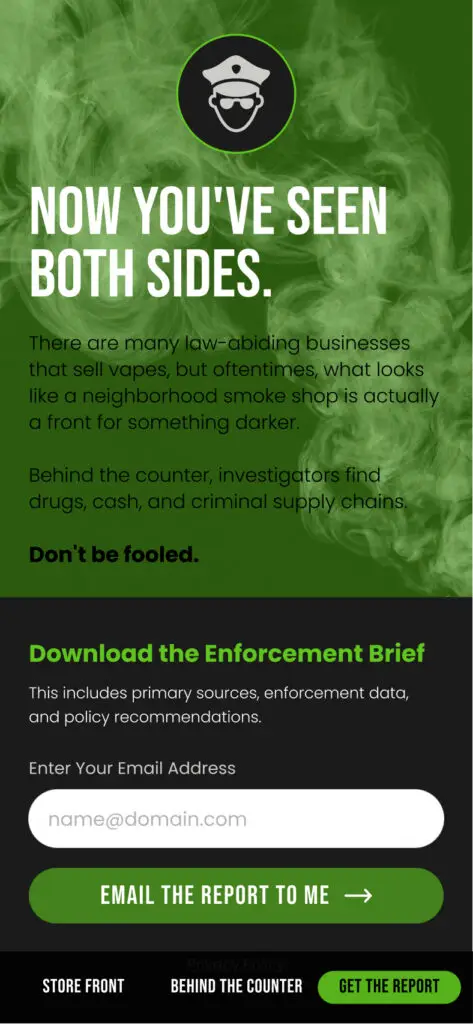
Clear exit to download the full enforcement brief
The experience respects the audience’s time.
It invites discovery rather than demanding it.
What This Project Proves
Design Smarter with AI
How AI tools help designers save time and focus on creativity.
brainstorm concepts
Generate mockups
suggest layouts, compositions
speeds up repetitive tasks
With AI handling time-consuming tasks, designers can focus on strategy and creativity.
Result = More Time. Better Ideas. Faster Design.
Mobile web can deliver immersive, app-like narrative without installation.
AI-assisted image generation can dramatically compress environmental design timelines.
React combined with Supabase creates a powerful foundation for dynamic experiential platforms.
Public-sector education benefits from thoughtful design systems, not just content accuracy.
Regulated industries and public safety organizations are often underserved by immersive digital experiences. When clarity, credibility, and craft must coexist, interactive web becomes a powerful medium.
Let’s Build What People Don’t Expect
Whether you’re teaching, informing, or changing minds, immersive mobile experiences create moments you just can’t get from static content.
If you’re exploring new ways to engage audiences, especially in complex, regulated, or public-sector environments, let’s talk.